Instant Reminders

Screenshot it. Ditto remembers.

Ditto turns the screenshots you already take into actionable reminders you can save in a single tap.

9:41
M
Maya 2m ago
Are we still going to this show next Friday?
LIVE SESSION
The Riverside Trio at Lantern Hall
Friday, Oct 24 • 8:00 PM • Doors 7:30
Yes. Taking a screenshot so I don't forget!
Ditto read this screenshot
The Riverside Trio at Lantern Hall
Rings Friday at 6:00 PM · Events

What Ditto catches

You already took these

Screenshots you've taken this month, and what Ditto turns them into.

9:41
NL northlight.studio •••
Two handbags, a green tote and a blush shoulder bag
862 likes
northlight.studio Flash sale, 40% off everything. Ends at midnight.
Reminder
40% off ends tonight — northlight
Rings Today 9:00 PM Shopping
Save

The sale you almost missed

9:41
PR Priya
Today 1:17 PM
Investor call moved up to 3:30 today. Same Zoom link as last time.
+ iMessage
Reminder
Join the investor call, 3:30
Rings Today 3:20 PM Work
Save

The call that almost slipped by

9:41
SB saltandbasil •••
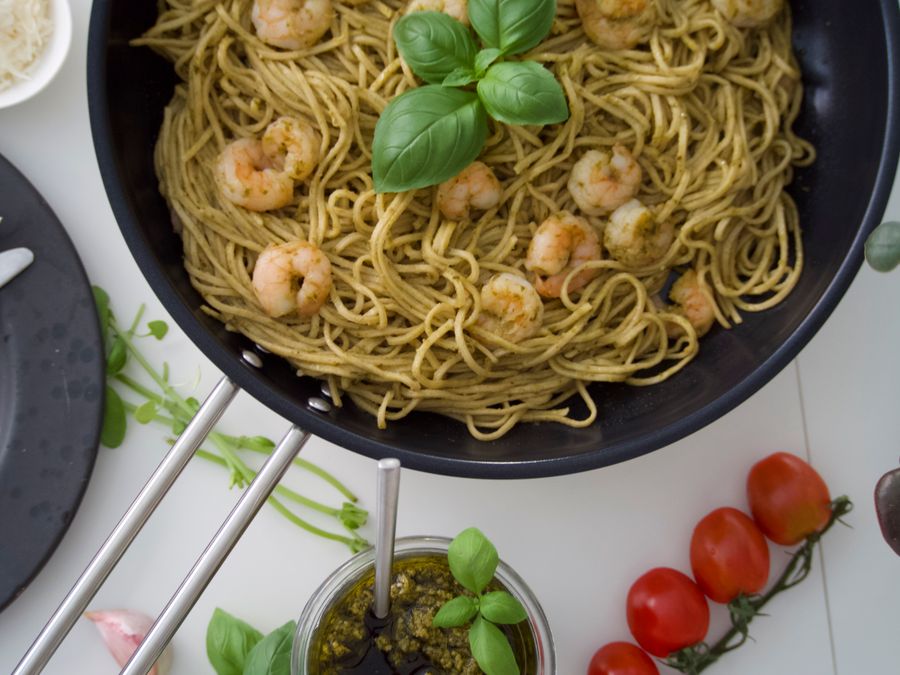
A pan of pesto spaghetti with prawns and fresh basil
1,204 likes
saltandbasil Pesto prawn linguine. One pan, twenty minutes. Full method in the comments.
Collection
Pesto prawn linguine recipe
Recipes
Save to Collection

The recipe you meant to try

9:41
Post
RM
Rae Mensah
@raewrites
•••
Spent a year reading everything on attention. The nine ideas that actually held up, in order. Thread
1:12 AM · 14 May 25 · 84.2K Views
412 2,481 18K
Post your reply
Reminder
Read Rae's thread on attention
Rings Sat 9:00 AM Reading
Save

The thread you meant to come back to

You took the screenshot meaning to come back to it. But then you forgot, and that keeps happening until you run out of storage. Ditto remembers why you took it, saves it in the right category, and reminds you to look at it later.

How it works

1

Take a screenshot

Like you always do.

2

Ditto reads it

You decide whether you want to be reminded or not. The screenshot is saved and categorised regardless. Ditto chooses the right category, a descriptive title, and a good time for a reminder. You can change anything Ditto guesses.

3

Tap save

The reminder rings when it should. The screenshot is filed where you can actually find it again.

No typing

The screenshot is the input. Now you can create reminders without opening an app.

Filed by category

Every capture lands in a category you named — Shopping, Travel, whatever fits. Weeks later it takes only one tap to find, not a scroll through your entire camera roll.

Search by meaning

Searching "tech class" finds the UX course flyer. Search however you remember it — you don't have to get the words right.

Works offline

Saved reminders ring with or without data. Your collection stays on your phone.

Your screenshots stay private

Screenshots are never uploaded, stored on a server, or seen by anyone.

Join the waitlist

We'll send you an email or whatsapp message when the app is ready.

If email isn't where you live, leave a number instead.